

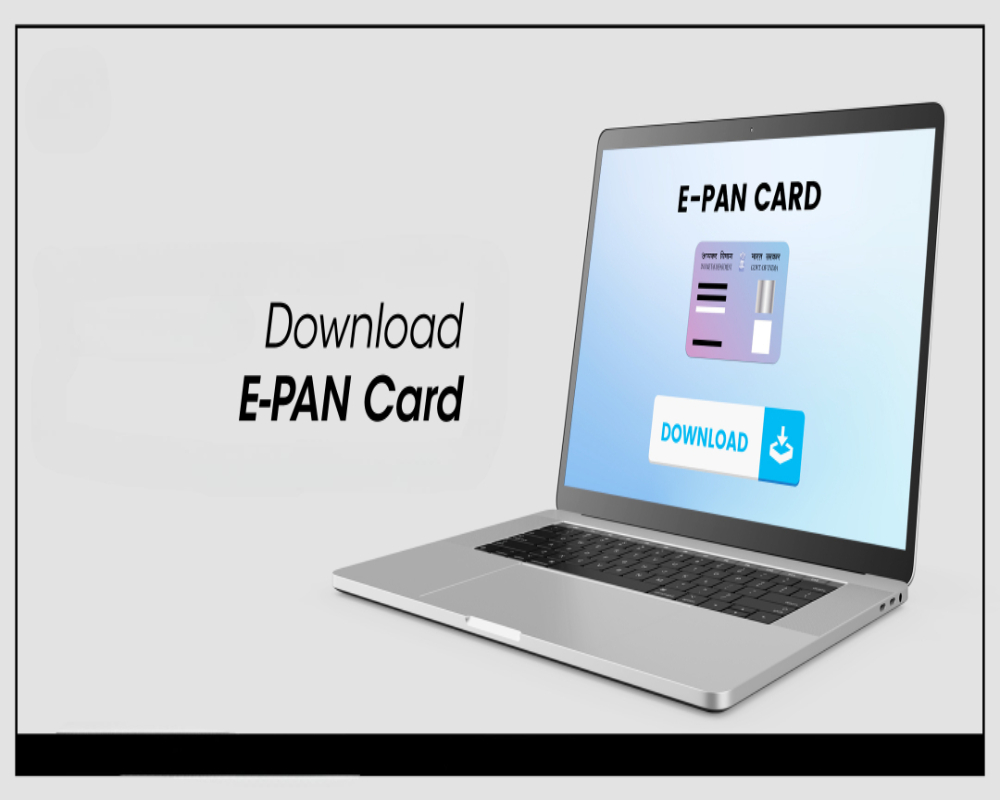

How to Download an e-PAN Online in India
An e-PAN is a digitally signed copy of your PAN card available in PDF format. It can be downloaded online from authorized portals such as the Income Tax e-Filing website, NSDL (Protean), or UTIITSL. This facility allows individuals to access and store their PAN electronically without needing a physical card.
• Download e-PAN from Income Tax e-Filing Portal
• Visit the official website
• Navigate to “Quick Links” and select ‘Instant e-PAN’ or use the ‘Check Status / Download PAN’ option.
• Enter your Aadhaar number and verify using OTP sent to your Aadhaar-linked mobile number.
• If your e-PAN is generated, it will be available for download in PDF format.
• Download e-PAN from NSDL (Protean) Portal
• Visit the NSDL portal
• Go to the PAN section and click on ‘Download e-PAN’ under Services.
• Enter your 15-digit acknowledgment number or PAN with date of birth.
• Authenticate with OTP received on registered mobile or email and download the e-PAN.
• Download e-PAN from UTIITSL Portal
• Visit https://www.pan.utiitsl.com and go to the ‘Download e-PAN’ section.
• Enter your PAN, date of birth, and captcha code to continue.
• Verify using OTP received on your registered mobile number or email address.
• Once verified, the e-PAN PDF can be downloaded directly.
• Conditions for e-PAN Download
• Your mobile number must be linked with Aadhaar or registered with the PAN application.
• The e-PAN download facility is available only if the PAN was allotted in the last 30–60 days in some cases.
• Multiple download attempts are allowed within the time window (usually free for the first time).
• If the window has expired, a reprint request must be placed (chargeable).
• Tips for Accessing and Using e-PAN
• The downloaded e-PAN is password-protected—use your date of birth (in DDMMYYYY) to open it.
• Save the file securely and consider printing a copy if physical presentation is ever needed.
• The e-PAN has a QR code for digital verification of authenticity.
• It is legally valid and accepted for all financial and identification purposes.
0 Comments