


Introduction
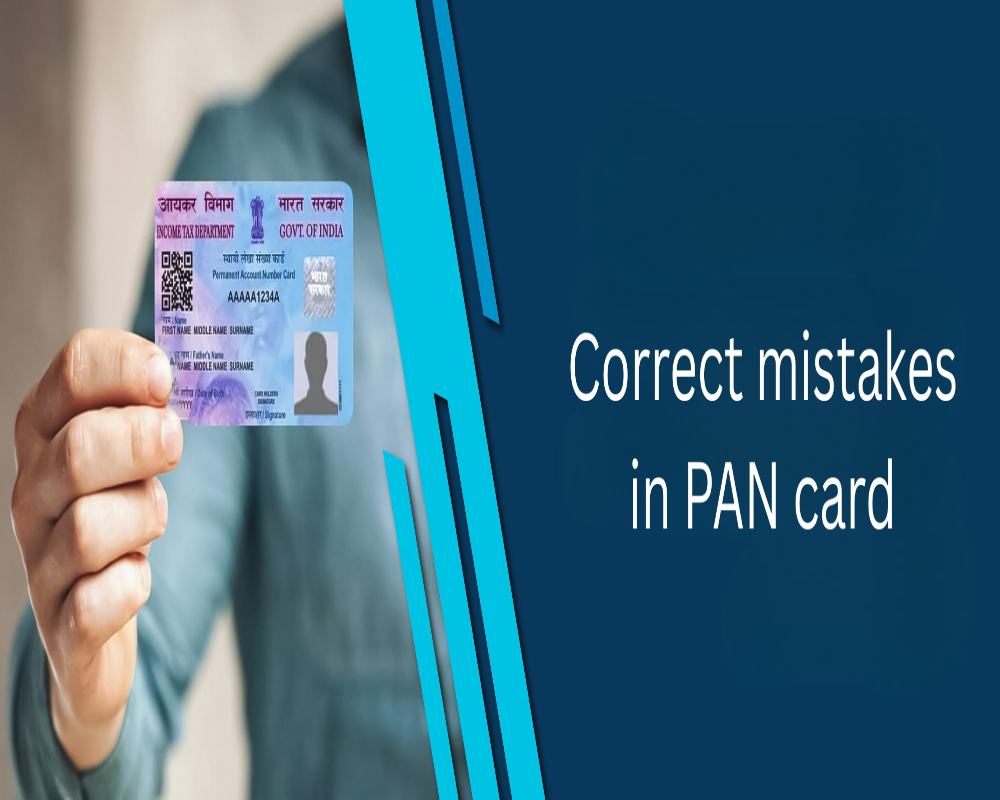
The Permanent Account Number (PAN) is a crucial identity document for individuals and entities in India, especially for tax and financial transactions. However, mistakes in PAN details—such as incorrect name, date of birth, father’s name, or address—can lead to complications in income tax filing, banking, and KYC processes. Fortunately, the Income Tax Department allows PAN holders to request corrections through a well-defined online and offline procedure. This ensures that all financial records remain accurate and synchronized with other identification documents.
1. Common Mistakes in PAN Cards
Some of the most common errors found in PAN cards include spelling mistakes in names, incorrect date of birth, wrong gender, mismatched father’s name, or typographical errors in the PAN number itself. Address mismatches or photograph errors may also occur during issuance.
2. Platforms for Correction
PAN corrections can be made through two government-authorized agencies:
- NSDL e-GovUTIITSL Both portals offer online and offline options for PAN data updates and corrections.
3. Filling the Correction Form
Applicants must select the option “Correction in Existing PAN Data” on the respective portal. They will need to fill out a correction form—Form 49A for Indian citizens—by entering the correct details while ticking the boxes of fields they want to update.
4. Submitting Required Documents
Supporting documents must be uploaded to validate the corrections. For example:
- For name or date of birth corrections: Aadhaar card, passport, or birth certificate.
- For address change: utility bill, voter ID, or Aadhaar.
- For photo/signature update: recent passport-size photograph and a valid ID proof.
5. Online Submission with Aadhaar e-KYC
If the PAN is already linked to Aadhaar, corrections can be authenticated using Aadhaar OTP. This avoids the need to send physical documents. The Aadhaar data will be used to update the PAN card details instantly.
6. Offline Correction Process
Applicants can also download and print the correction form from NSDL or UTIITSL, fill it manually, attach documents, and submit it to the nearest PAN service center. Acknowledgment receipt will be issued on submission.
7. Payment of Correction Fee
A nominal fee is charged for PAN corrections. For communication addresses within India, the fee is ₹50, while for foreign addresses, it is ₹959 (inclusive of taxes). Payments can be made online via net banking, credit/debit cards, or UPI.
8. Receiving Acknowledgment
After successful form submission, an acknowledgment number is generated. This number can be used to track the status of the correction request online on the same portal where the application was submitted.
9. Dispatch and Download of Corrected PAN
Once the correction is approved, the updated PAN card is dispatched to the applicant’s address. In case of e-PAN, a digital copy is sent via email and can also be downloaded from the portal using the acknowledgment number and OTP.
10. Time Taken for Correction
The PAN correction process generally takes 10 to 15 working days, depending on whether documents are submitted digitally or physically. In case of Aadhaar-based correction, it may be faster if authentication is successful.
Conclusion
Correcting mistakes in a PAN card is a straightforward and accessible process, designed to ensure the accuracy of a taxpayer’s identity and financial records. Whether it’s an error in personal information or contact details, the Income Tax Department provides reliable online and offline channels for correction. Keeping PAN details accurate not only helps in smooth tax compliance but also avoids complications in banking, investments, and government services. PAN holders are advised to verify their card periodically and make necessary updates without delay.
Hashtags
#FreelancerTaxTips #PANforFreelancers #TaxFiling #FreelanceIncome #IncomeTaxReturn #TaxDeductions #SelfEmployed #FreelancerFinance #PANCard #TaxCompliance #FreelanceLife #TaxPlanning #FinancialLiteracy #TaxSeason #FreelancerAdvice #TaxReturns #IndiaTax #FreelanceBusiness #TaxEducation #PANUsage
0 Comments