


Accessing the Employer Portal
- Log in to the ESIC employer portal using your 17-digit code and password.
- Ensure that your establishment profile and employee details are updated.
- Navigate to the section for contribution submission or challan generation.
- Select the appropriate contribution period before proceeding.
- Use a stable internet connection to avoid data interruption.
Entering Contribution Details
- Provide the wage details for each insured employee for the selected month.
- The portal auto-calculates the employer and employee contributions.
- Verify the employee-wise summary before moving forward.
- Ensure that there are no missing or incorrectly reported employees.
- Correct any errors before finalizing the contribution entry.
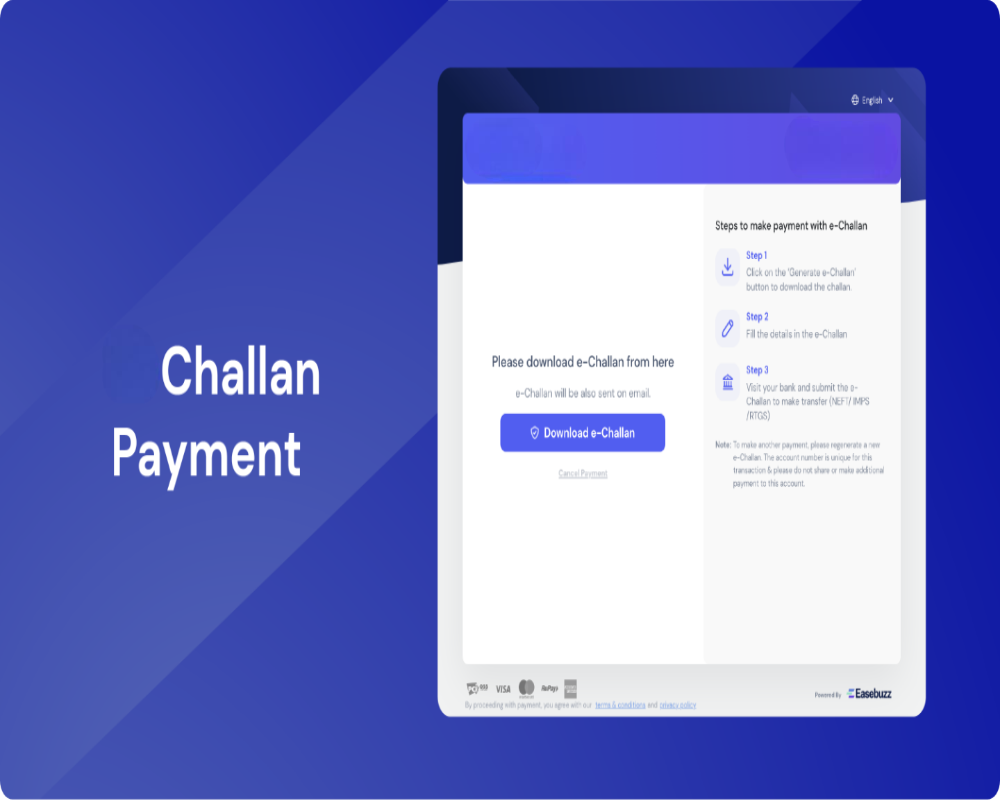
Generating the Challan
- Once all data is reviewed, select the option to generate the challan.
- The system displays the total payable amount and transaction summary.
- Confirm the details and click on the generate challan button.
- A unique challan reference number is created upon generation.
- Download and save the challan copy for your records.
Selecting the Payment Mode
- After challan generation, proceed to the payment section.
- Choose from available online payment methods such as net banking.
- If offline payment is permitted, print the challan for bank submission.
- Ensure that payment is completed before the due date.
- Always retain a copy of the payment receipt for future reference.
Post-Challan Actions
- After successful payment, the challan status will update automatically.
- You must submit the monthly return linked to the paid challan.
- The portal will generate an acknowledgment after return filing.
- Verify that the challan appears in your payment history.
- Maintain all challan and return documents for ESIC audit compliance.
0 Comments